Understanding DNS Records: A, CNAME, MX, and TXT Explained
When you type a website address into your browser, a powerful system called DNS (Domain Name System) works behind the scenes to connect you to the correct server. Without DNS, the internet as we know it would be difficult to use because people would need to remember complex IP addresses instead of simple domain names. DNS acts like the internet’s directory, translating domain names into machine-readable addresses.
For website owners, developers, bloggers, and businesses, understanding DNS records is very important. Whether you want to connect your domain to hosting, configure professional emails, or verify ownership with third-party services, DNS records are what make everything work properly.
At Zuumhost, we understand that DNS management can look confusing at first, especially for beginners. This guide explains the most important DNS record types in a simple and practical way so you can confidently manage your domain settings.
What Are DNS Records?
DNS records are instructions stored inside your domain’s DNS zone. These instructions tell browsers, email servers, and online services how your domain should behave. Different record types perform different functions, such as pointing your website to a server, routing emails, or verifying domain ownership.
Each DNS record usually contains:
- Record Type
- Host or Name
- Value or Destination
- TTL (Time To Live)
The most commonly used DNS records are A, CNAME, MX, and TXT records.
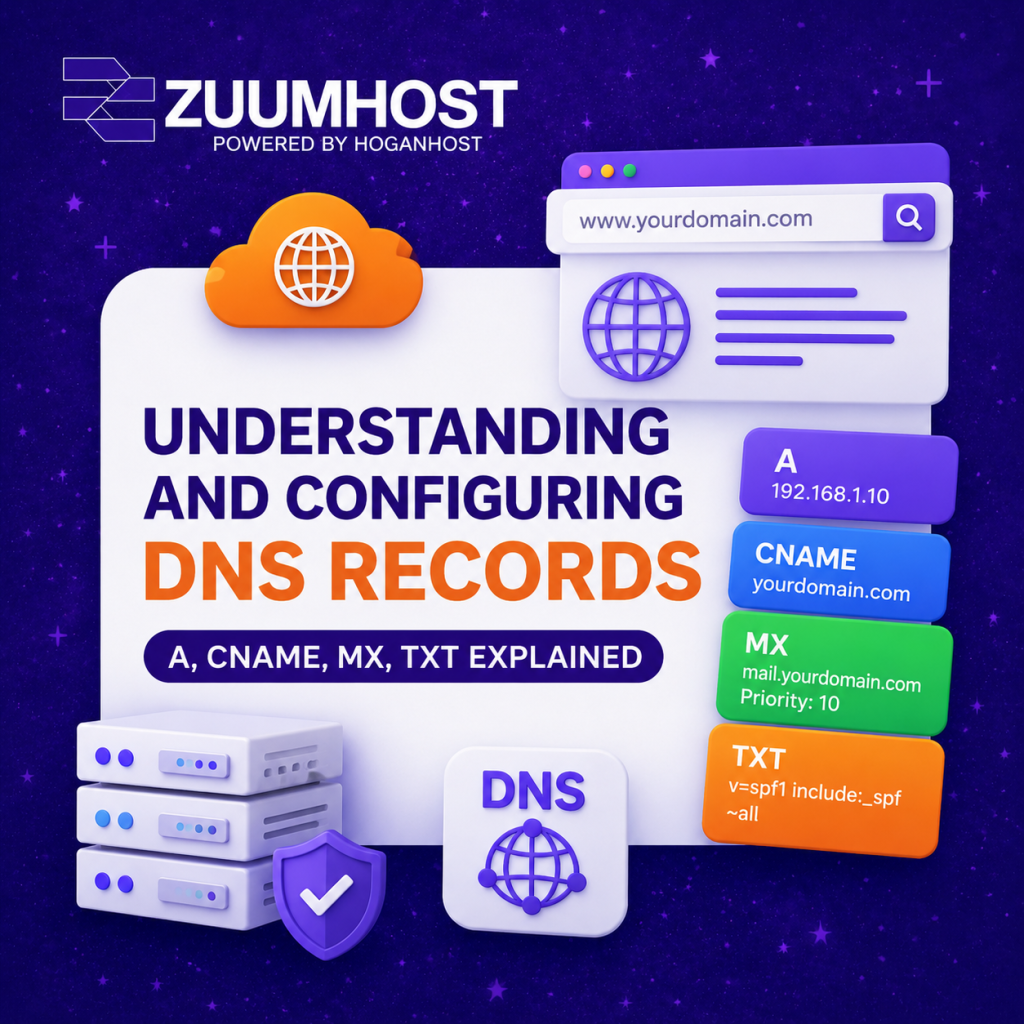
1. A Record (Address Record)
The A record is one of the most essential DNS records. It connects your domain name to an IPv4 address, which tells browsers where your website is hosted.
Example:
- Type: A
- Host: @
- Value: 192.168.1.10
- TTL: 3600
This means your domain points directly to the server with that IP address.
A records are mainly used for:
- Connecting domains to hosting servers
- Running websites
- Pointing subdomains to specific servers
Without a properly configured A record, your website may become unreachable.
2. CNAME Record (Canonical Name)
A CNAME record creates an alias from one domain or subdomain to another domain name instead of directly pointing to an IP address.
Example:
- Type: CNAME
- Host: www
- Value: yourdomain.com
This setup makes www.yourdomain.com redirect to yourdomain.com.
CNAME records are commonly used for:
- Redirecting subdomains
- Connecting domains to platforms like Shopify or Vercel
- CDN integrations
- Simplifying DNS management
One important thing to remember is that CNAME records should not exist alongside other record types on the same hostname.
3. MX Record (Mail Exchange Record)
MX records control where your emails are delivered. If you use services like Google Workspace, Zoho Mail, or Microsoft 365, MX records ensure emails sent to your domain reach the correct mail servers.
Example:
- Type: MX
- Host: @
- Value: mail.yourdomain.com
- Priority: 10
The lower the priority number, the higher the preference of the mail server.
MX records are essential for:
- Professional business emails
- Reliable email delivery
- Email backup routing
- Mail server failover systems
Incorrect MX records can cause emails to bounce or never arrive.
4. TXT Record (Text Record)
TXT records store text-based information attached to your domain. They are widely used for security, domain verification, and email authentication.
Example:
Type: TXT
Host: @
Value: “v=spf1 include:_spf.google.com ~all”
TXT records are commonly used for:
- SPF email authentication
- DKIM and DMARC security
- Domain ownership verification
- SSL certificate verification
Modern email security heavily depends on properly configured TXT records to reduce spam and spoofing risks.
How to Configure DNS Records
Managing DNS records is easier than many people think. Most hosting providers and domain registrars offer a DNS Management or Zone Editor section inside the control panel.
To configure DNS records:
- Login to your hosting or domain dashboard
- Open the DNS Management section
- Select the record type you want to add
- Enter the required values
- Save the changes
After saving, DNS propagation may take a few minutes to several hours depending on the TTL settings and global DNS cache refresh.
Common DNS Mistakes to Avoid
Many DNS issues happen because of small configuration mistakes. Some of the most common include:
- Using the wrong IP address
- Adding duplicate records
- Incorrect MX priorities
- Mixing CNAME with incompatible records
- Forgetting SPF or DKIM records
A single DNS error can cause website downtime or email delivery problems, so always double-check your settings before saving changes.
Final Thoughts
DNS records are the foundation of every website and online service. Understanding how A, CNAME, MX, and TXT records work gives you more control over your website, emails, and online security.
Whether you are launching a blog, running an online business, or managing client websites, knowing how DNS works can save you time and prevent frustrating technical issues.
At Zuumhost, we provide reliable web hosting, domain registration, SSL certificates, and expert support to help businesses and individuals manage their online presence with ease. If you ever need assistance configuring your DNS records, our support team is always ready to help.
Get Started with Cpanel Hosting: Order Now
Get Started with Cpanel Offshore: Order Now
Get Started with Reseller Hosting: Order Now