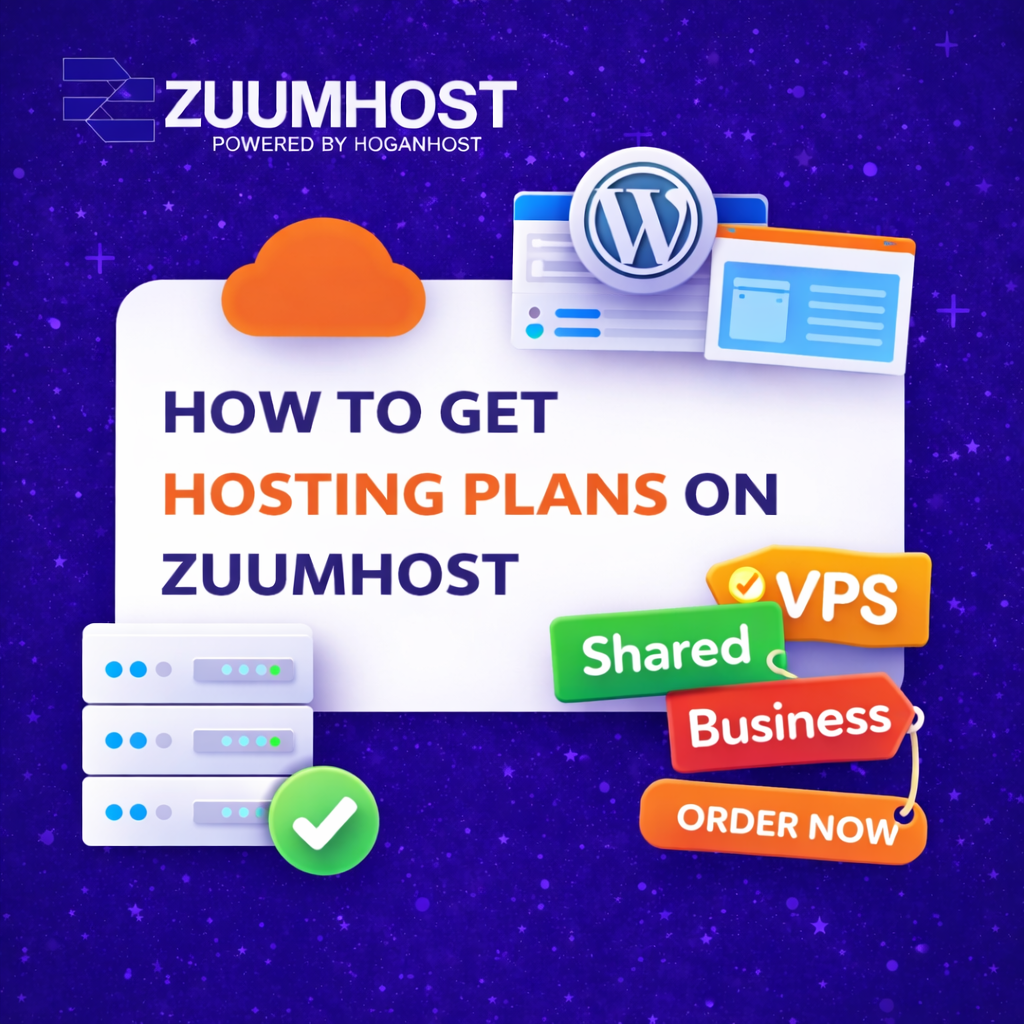

How to Get Hosting Plans on Zuumhost (Step-by-Step Guide)
Getting a reliable hosting plan is the first step to building a successful website. Whether you’re starting a blog, launching a business, or creating an online store, choosing the right hosting plan ensures your website is fast, secure, and always accessible.
In this guide, we’ll walk you through how to get a hosting on Zuumhost (step-by-step).
Why You Need a Hosting Plan
Before diving into the steps, it’s important to understand why hosting is essential:
- It makes your website accessible on the internet
- It stores your website files securely
- It ensures speed and performance
- It provides email and database support
Without hosting, your website simply cannot go live.
Step 1: Visit the Zuumhost Website

- Open your browser
- Go to zuumhost.com
On the homepage, you’ll find different hosting services available for various needs.
Step 2: Choose a Hosting Plan
Zuumhost offers different types of hosting plans such as:

- Cpanel Hosting – Best for beginners and small websites
- Cpanel Offshore – Ideal for growing businesses
- Reseller Hosting – Perfect for developers and agencies
Carefully compare the features like:
- Storage
- Bandwidth
- Number of websites allowed
- Pricing
Choose a plan that fits your needs and budget.
Step 3: Click on “Order Now”

Once you’ve selected your preferred plan:
- Click on the Order Now button
- You’ll be redirected to the order page
- This is where you begin the setup process.
Step 4: Register or Use an Existing Domain

You will be given options to:
- Register a new domain name
- Transfer an existing domain
- Use a domain you already own
Choose the option that applies to you and continue.
Step 5: Configure Your Hosting Plan

Here you can customize your plan:
- Select billing cycle (monthly, yearly, etc.)
- Add extras like SSL or backups (if needed)
Make sure everything is correct before proceeding.
Step 6: Create an Account

- Enter your personal details
- Provide a valid email address
- Set a secure password
This account will be used to manage your hosting services.
Step 7: Make Payment

Zuumhost provides multiple payment options.
- Choose your preferred payment method
- Complete the transaction
Once payment is successful, your hosting plan will be activated.
Step 8: Access Your Hosting Dashboard

After activation:
- Login to your client area
- Access your cPanel or hosting dashboard
From here, you can:
- Install WordPress
- Create emails
- Upload your website files
- Tips for Choosing the Right Plan
- To avoid future issues, keep these in mind:
Tips for Choosing the Right Plan

To avoid future issues, keep these in mind:
- Start small if you’re a beginner
- Upgrade as your website grows
- Choose a plan with good support
- Prioritize uptime and speed
Final Thoughts
Getting a hosting plan on Zuumhost is simple and straightforward. With just a few steps, you can have your website up and running in no time.
Choosing the right hosting plan sets the foundation for your online success, so take your time to select what best fits your needs. Once you’re set up, you can focus on growing your website and reaching your audience effectively.
That’s it!
Get Started with Cpanel Hosting: Order Now
Get Started with Cpanel Offshore: Order Now
Get Started with Reseller Hosting: Order Now